In-Class Exercises
Click to schedule a zoom chat.
April 23
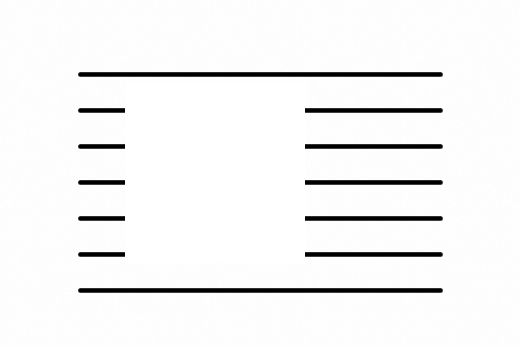
Recreate the following sketch.
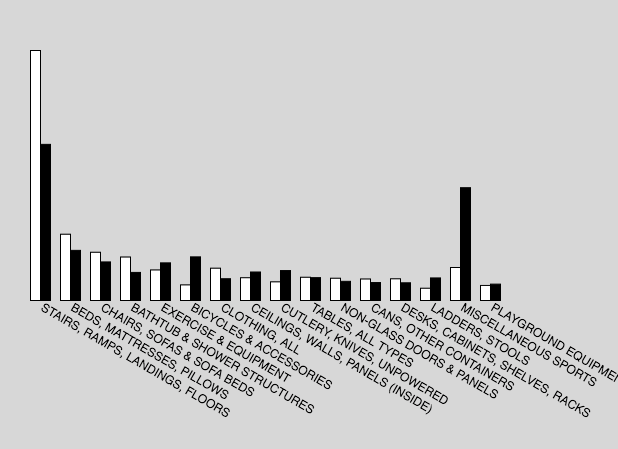
- Starting with this sketch, visualize the data as a bar chart like the image below.
Here is a video to walk you through it.
April 29
Recreate the following sketch and submit it to collection #11 in openprocessing.
Starting with the bouncing ball object code below, create an array of balls. Watch this video to walk you through the process.
April 29
Recreate the following sketch and submit it to collection #11 in openprocessing.
Choose a quote and create a sketch where each word of the quote appears with every click, like below. Watch Dan Shiffman's videos for help.
April 20
April 20
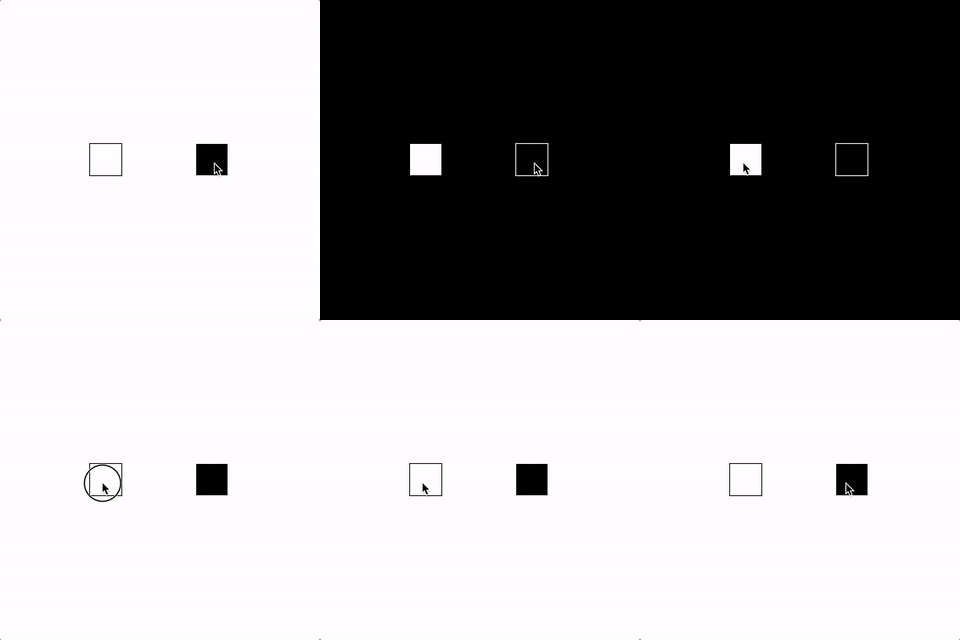
Recreate the following sketches and submit them to collection #10 in openprocessing.
- Write a class that creates a button object that changes the background when clicked on.

- Using the button class, make two button objects that each change the background to a different color.
March 24
Create the following sketches and submit them to collection #10 in openprocessing.
-
Start with your sketch of the bouncing ball using functions, like the sketch below. Rewrite that code to make the ball into an object. Here is a video to walk you through the process. Be sure to watch Dan Shiffman's videos first.
-
Starting with the sketch below, rewrite the code so that the "bug" is an object.
March 24
Create the following sketches and submit them to collection #9 in openprocessing.
-
Start with the code from this previous exercise. Rewrite the code using functions to acheive the same result. (Watch Daniel Shiffman's videos for help.)
-
Right a sketch that uses a custom function to draw a target to the screen wherever the mouse is clicked, with a random size. Your program should use parameters and arguments to pass in the position and size. Click on example below.
-
Write a sketch with a custom function called barbell(). Everytime the program is run, a barbell with a different size and length will be drawn to the screen. Run and rerun the example below.
Others
coin flipdi roll
eyes() function
flower function
emoji function (calling functions from within functions)
March 10
February 28
Recreate the following sketches.
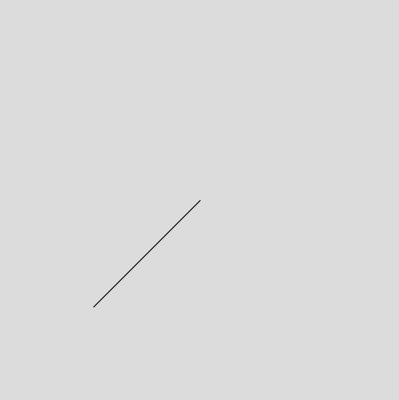
- Use translate() and rotate() to make this diagonal line.
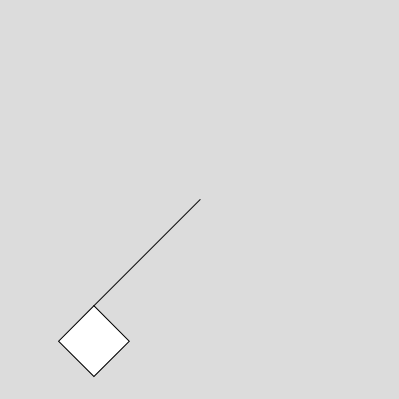
- Now add a square to the end of the line.
- Write a sketch where the background color cycles through all the hues in one minute.
Others
millis() timerFebruary 18
Recreate the following sketchs.
Others
doorbellplayground
button plays sounds
image hover sound
image transparency
web font changes color
February 18
Recreate the following sketch.
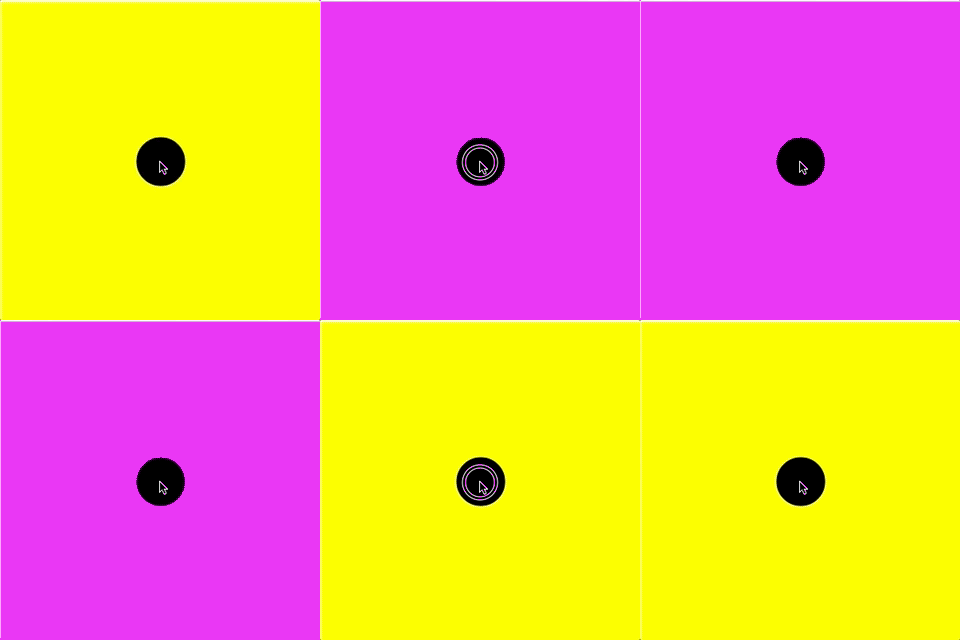
- Make a button that changes the background color. Use a variable to keep track of the two different states.
answer
Others
draw with textsymmetry
equalizer
image stamp
Video
Drawing Program Walk-ThroughFebruary 13
Recreate the following sketches:
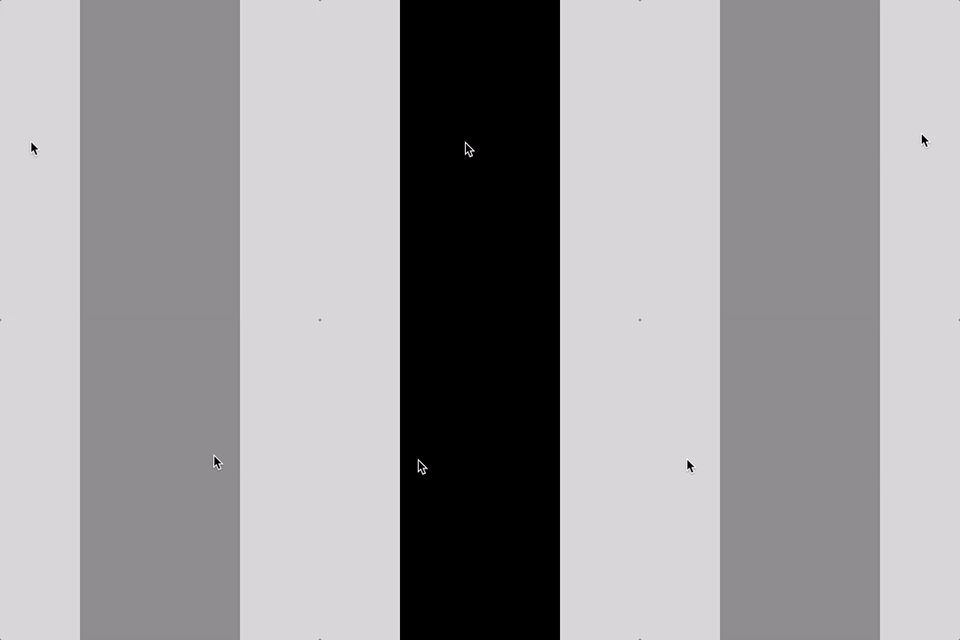
- Make half of the canvas change color when you hover over it.
answer
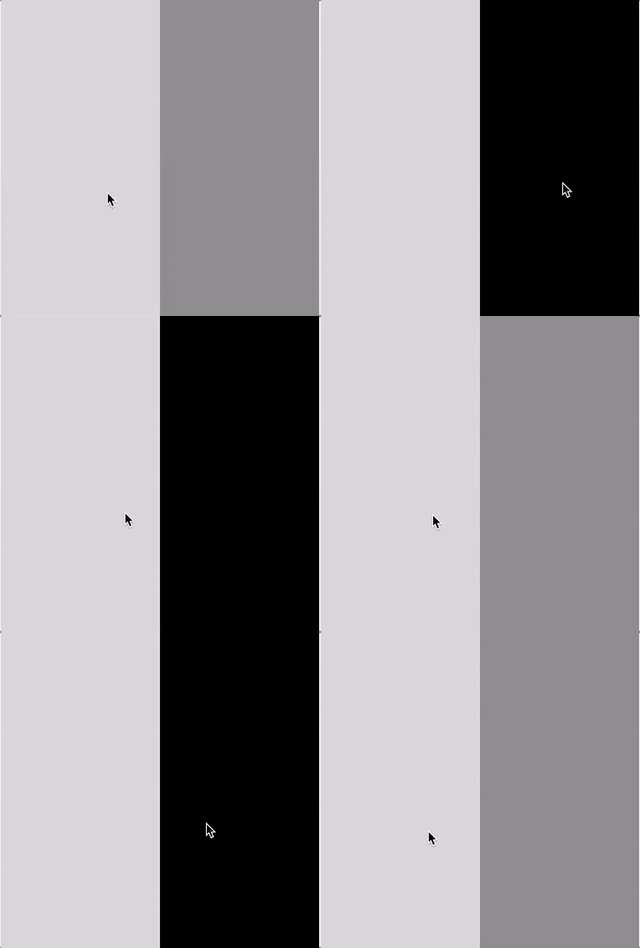
- Make a center bar change color on hover.
answer
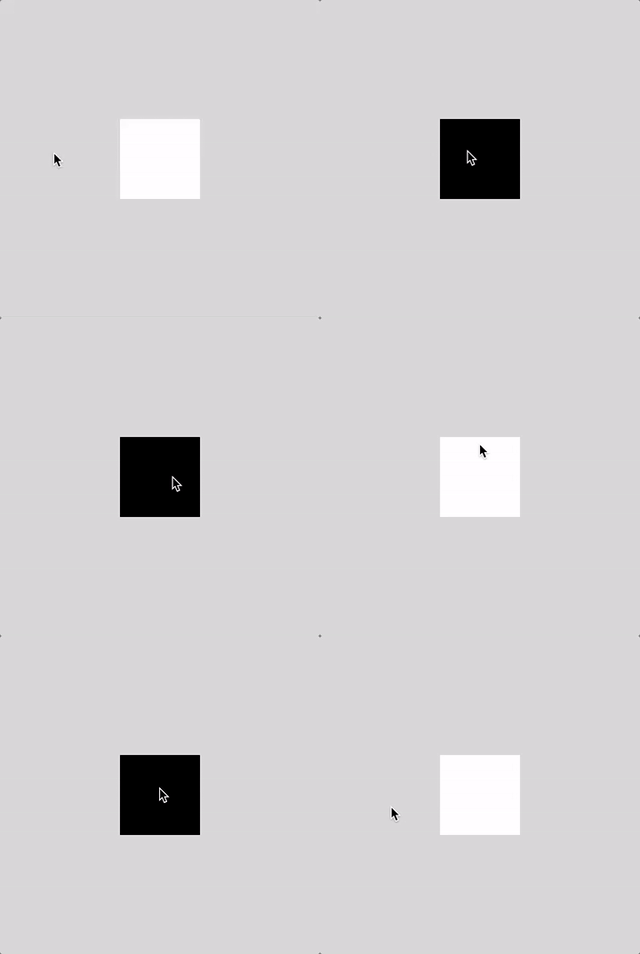
- Make a square change color on hover.
answer
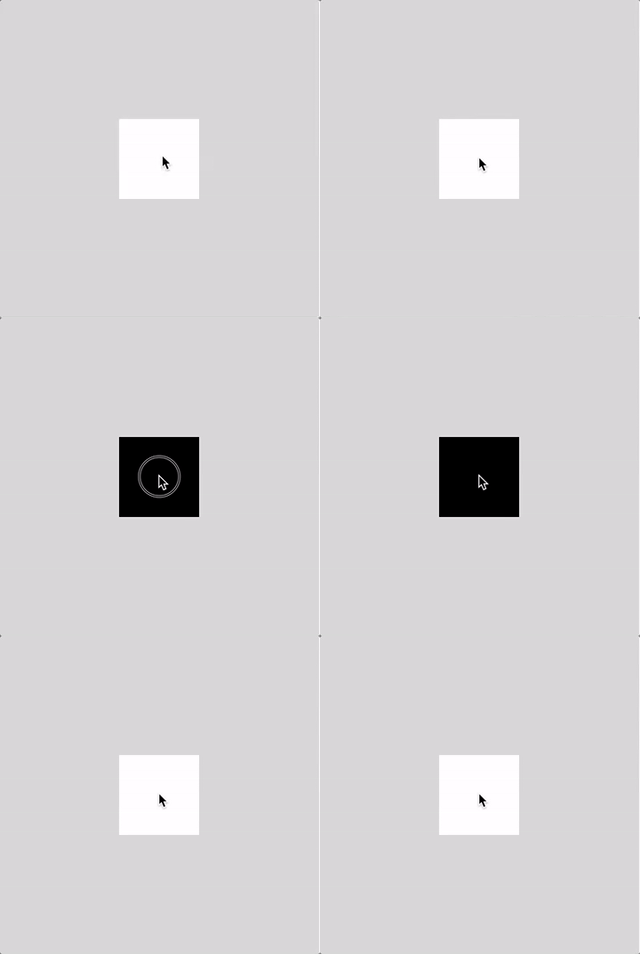
- Make a square chage color when you click on it, and then change back with another click.
answer
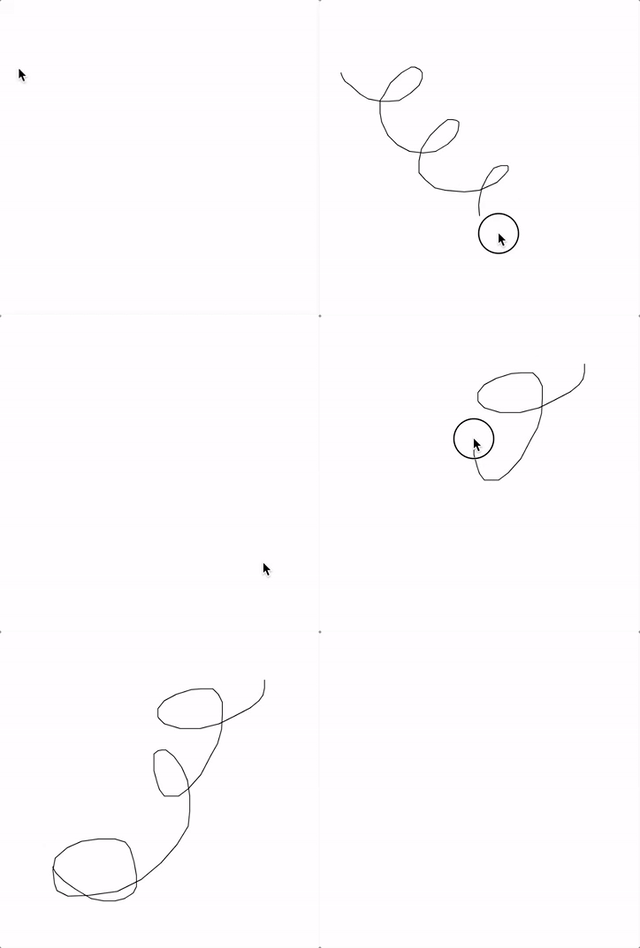
- Write a program that lets you draw when you click and drag the mouse. Then have it clear the screen when you press any key.
answer
Others
clickable button with colordraw with type (press a key then drag)
January 31
Recreate the following sketches:
- Draw 100 circles in random locations on the canvas.
answer
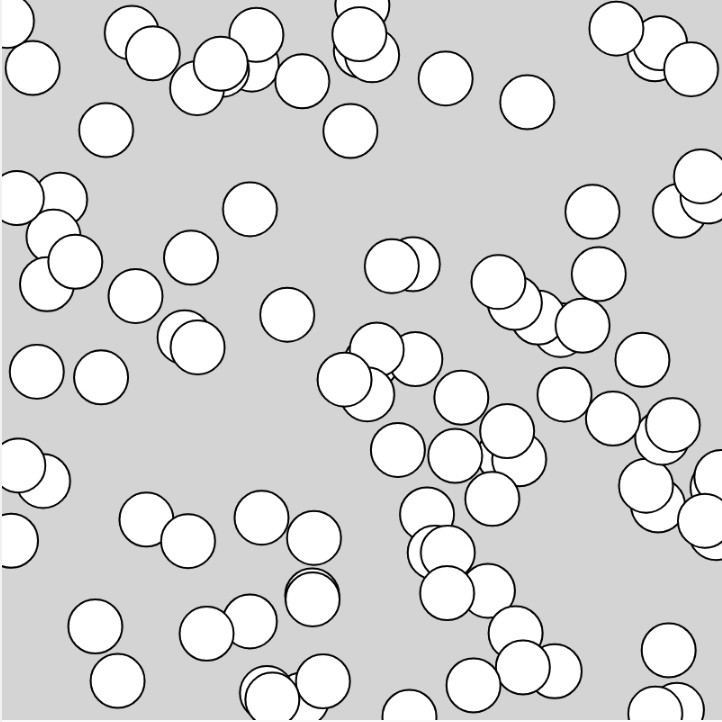
- Alter your code so that it looks like this.
answer
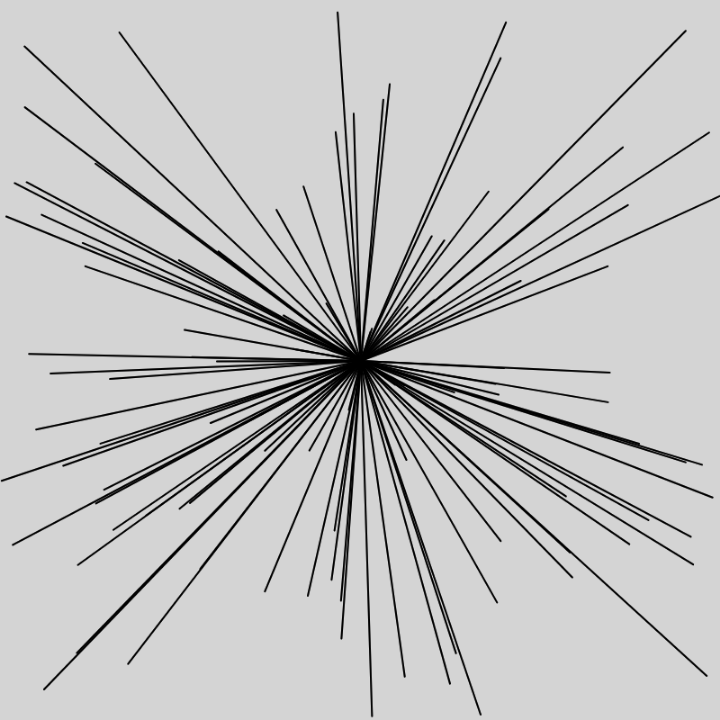
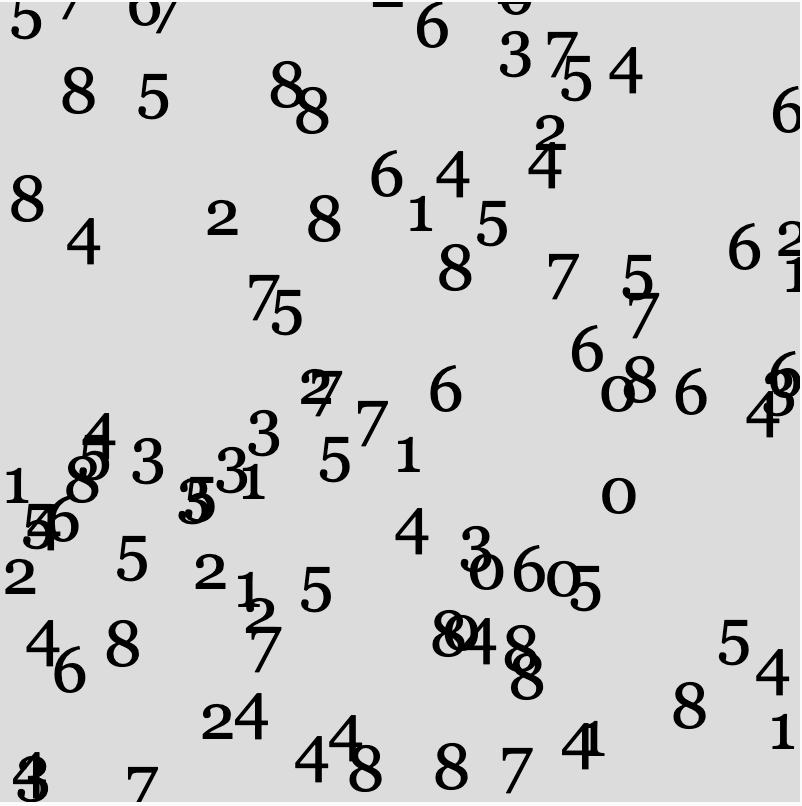
- Alter your code again to create something like this. You will need to look up the typography functions in the p5 reference. answer
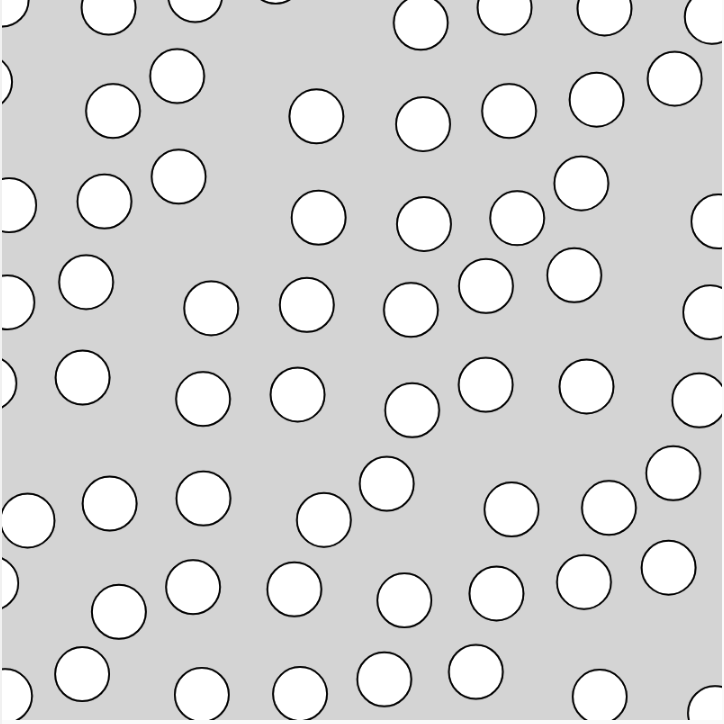
- Now use nested loops to create a grid of circles, but use the random function to slightly move their placement.
answer
January 29
Recreate the following sketches:
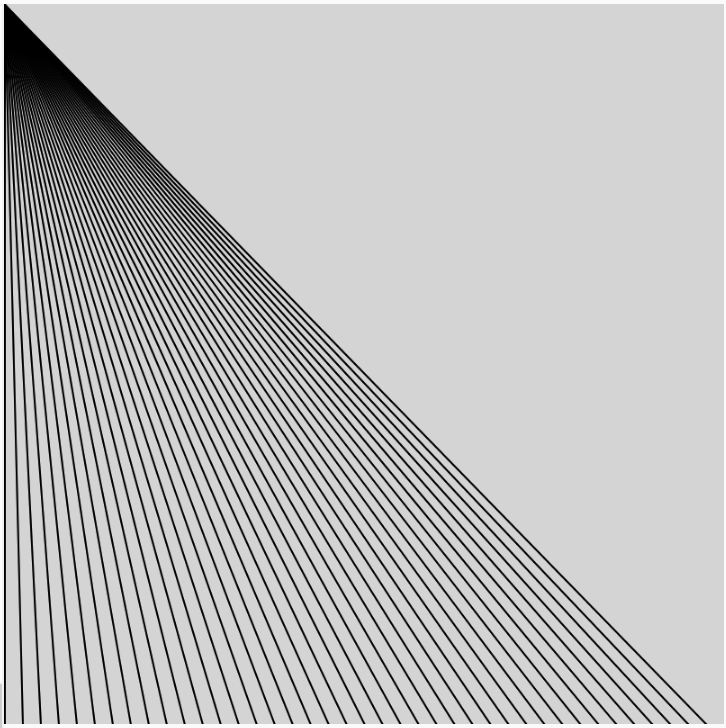
- Warm up with a single for loop.
answer
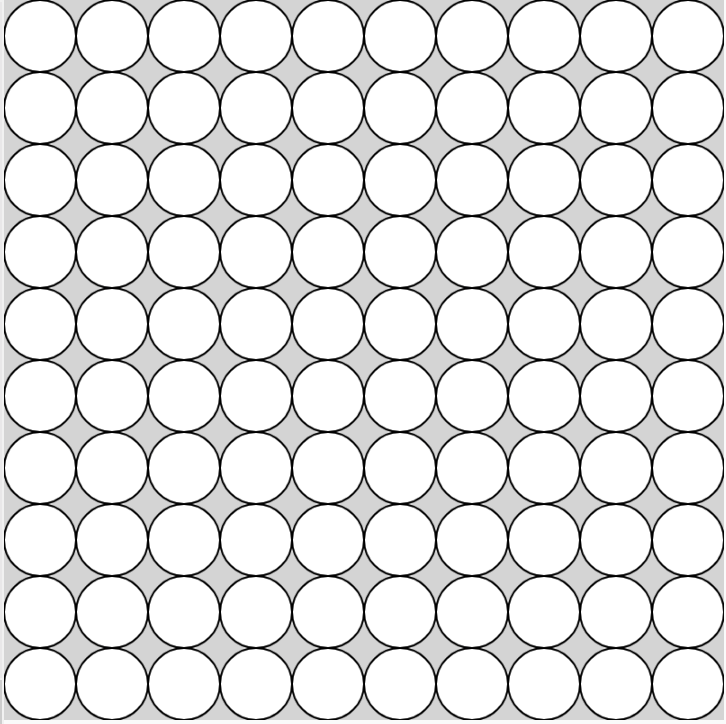
- Create nested loops to draw a grid of circles that starts away from the edge of the canvas.
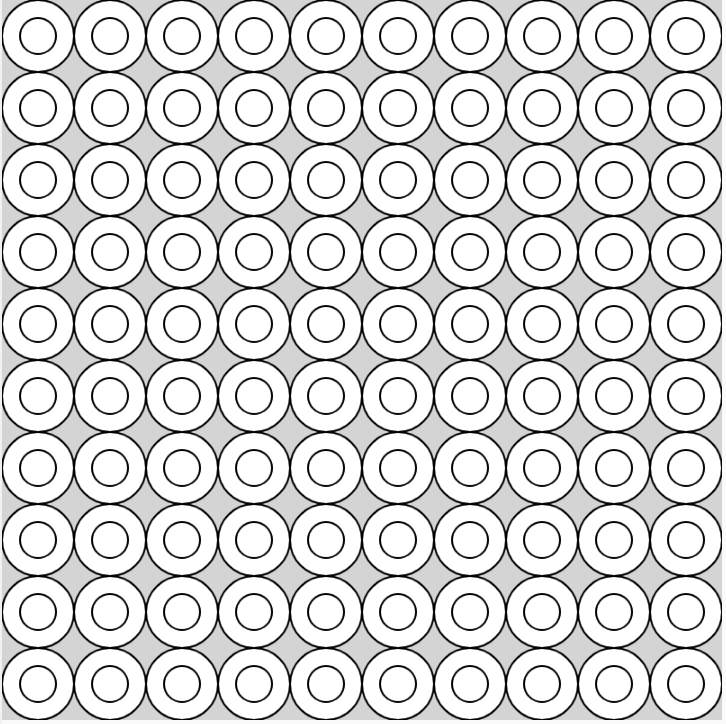
- Now draw two circles at each position.
answer
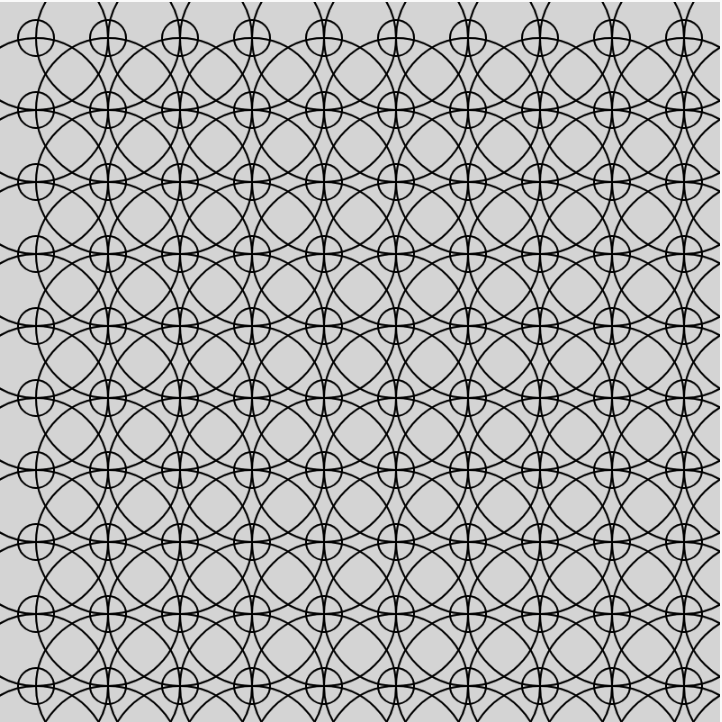
- Set it to noFill() and expand the circles to create a pattern similar to this.
answer
- Draw a grid of circles inside of squares. (tip: look up rectMode() in the p5 reference)
answer
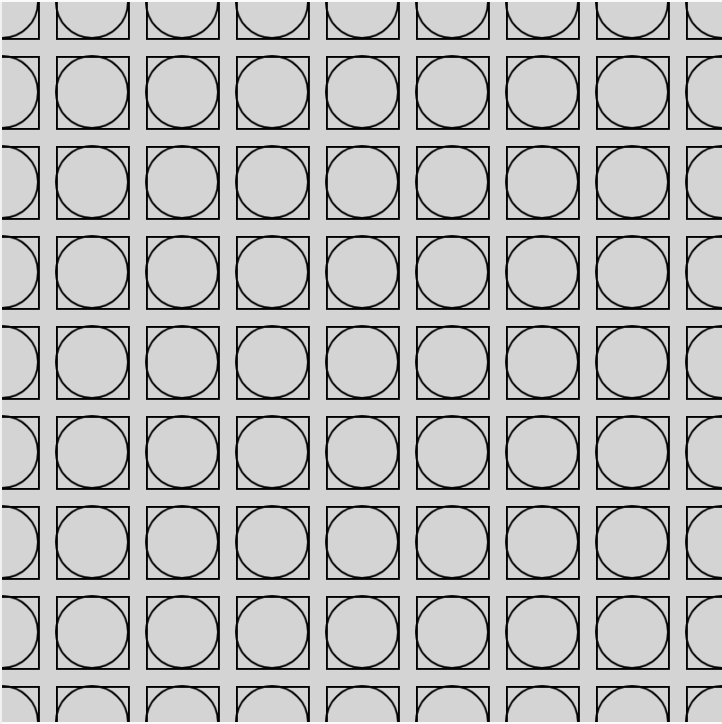
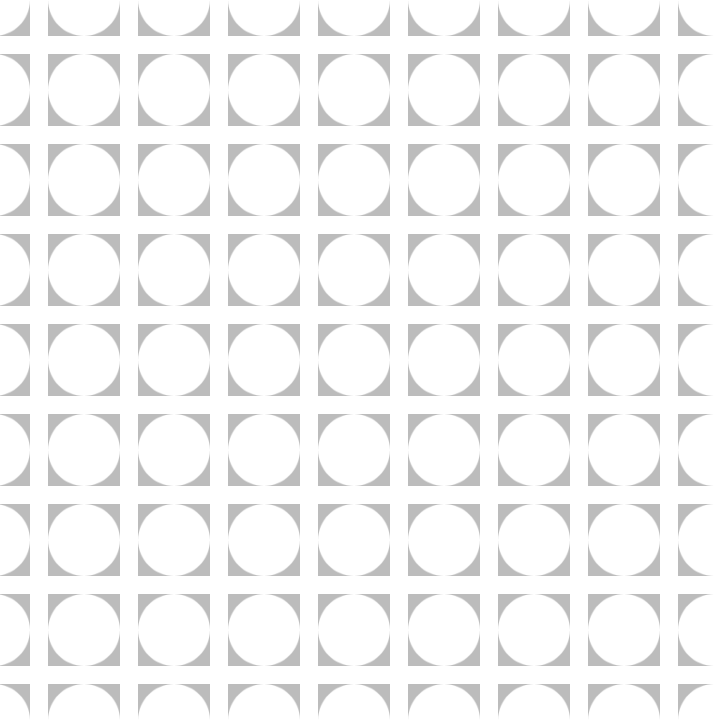
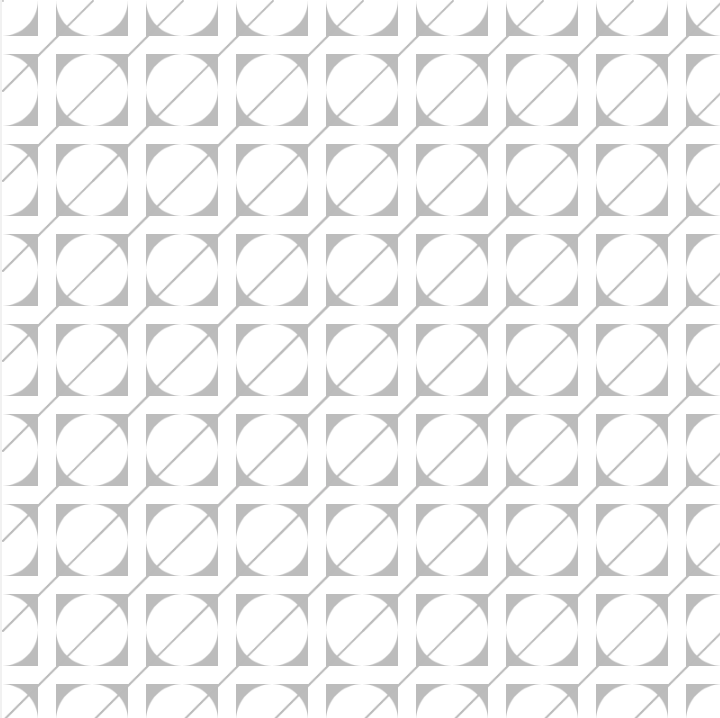
- Now try this.
answer
Others
random color palette with HSBmap background to mouseX
map shape colors across the screen
mouse click screen grab
type in a loop
January 28
Recreate the following sketches:
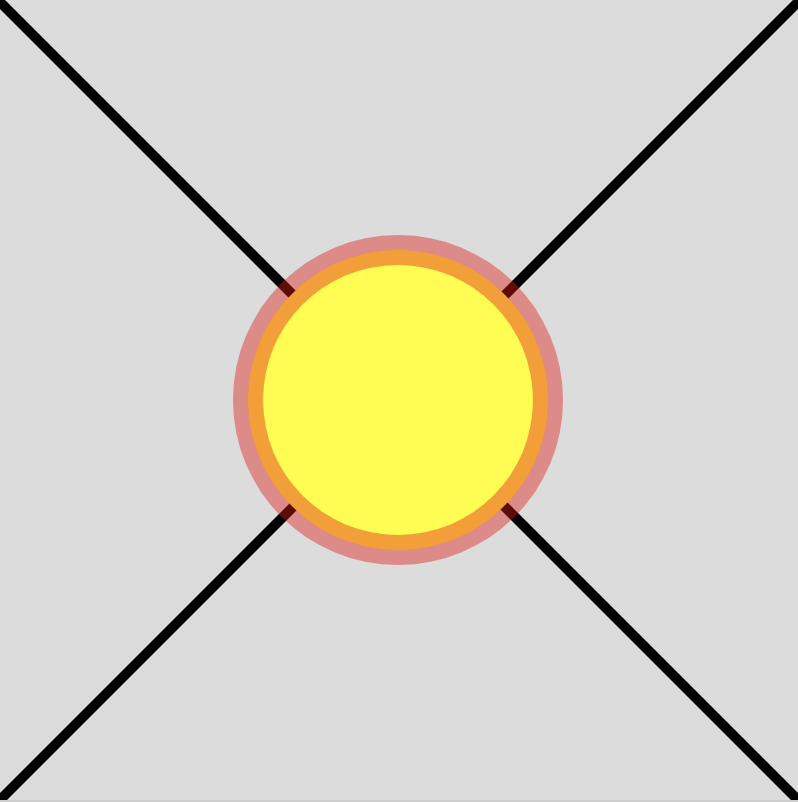
- Use custom and built-in variables.
answer
- Increment a variable to draw a line of circles. Make them 60 pixels wide and spaced 80 pixels apart.
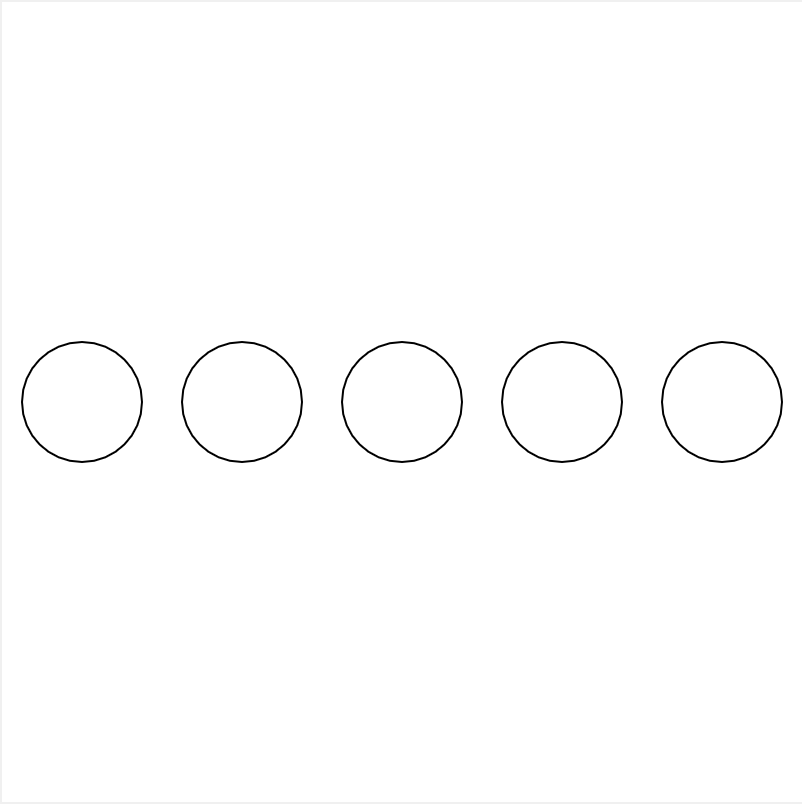
- Now rewrite that code using a for loop to draw the same line of circles. answer
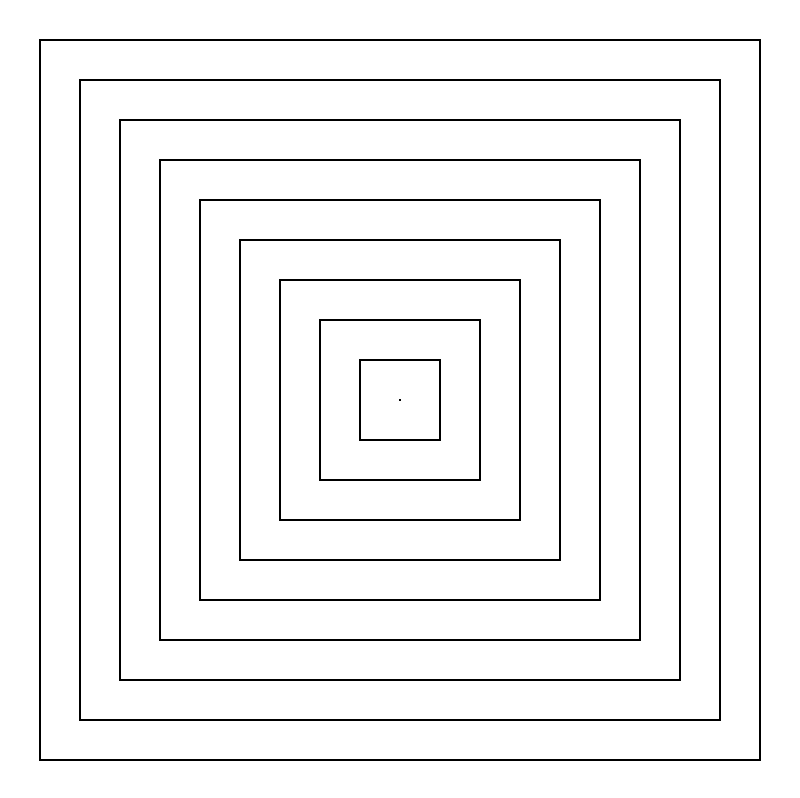
- Use a for loop to draw these boxes.
answer
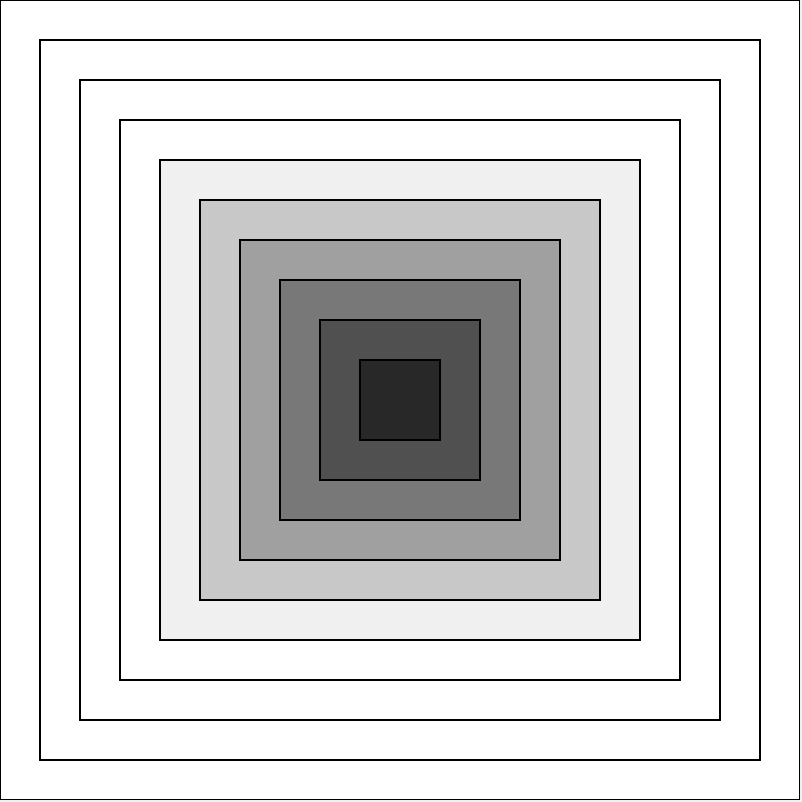
- Use fill() to color the boxes like this.
answer
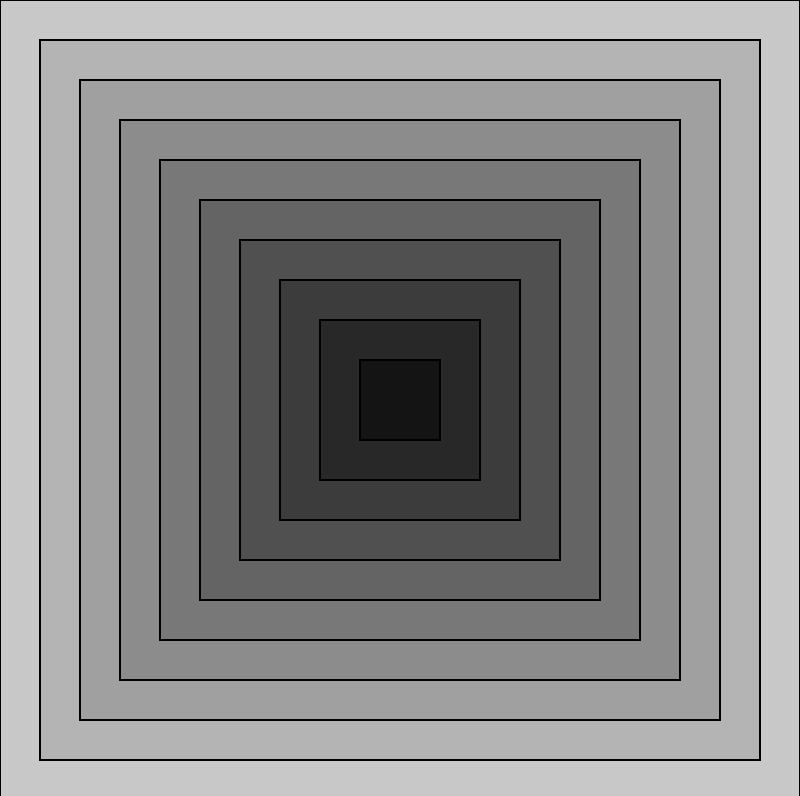
- Adjust that code to color them like this.
answer
January 23
Due 1/23
Create the following sketches:
- Draw a circle to the screen which all of the inputs are variables.
- Draw three more circles next to it. Have their values come from variables as well.
- Draw three circle to create a target symbol. Code it in a way that allows you to change the size of target (with all three circles) by changing the value of only one variable.
January 23
Due 1/23
Recreate the following sketches.
Save them to the Basic Shapes collection in openprocessing.