In-Class Exercises
May 16
May 7
April 30
April 23
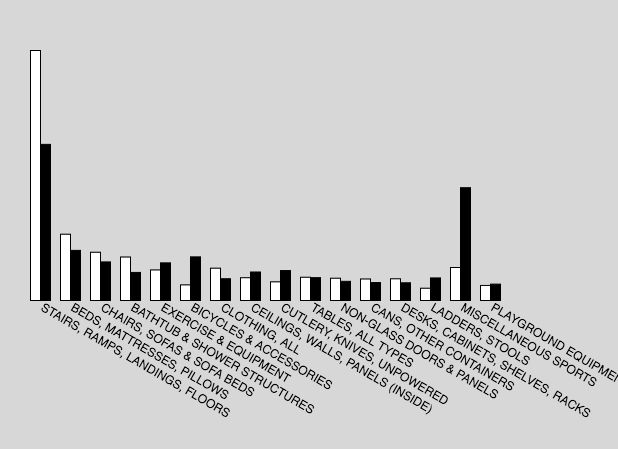
Recreate the following sketch
- Starting with this sketch, visualize the data as a bar chart like the image below.
answer
April 23
April 9
April 4
March 28
Recreate the following sketches.
- Modify the code from this sketch to makes the balls reverse direction when the mouse is pressed. (HINT: You'll need to add another method to the class.)
answer
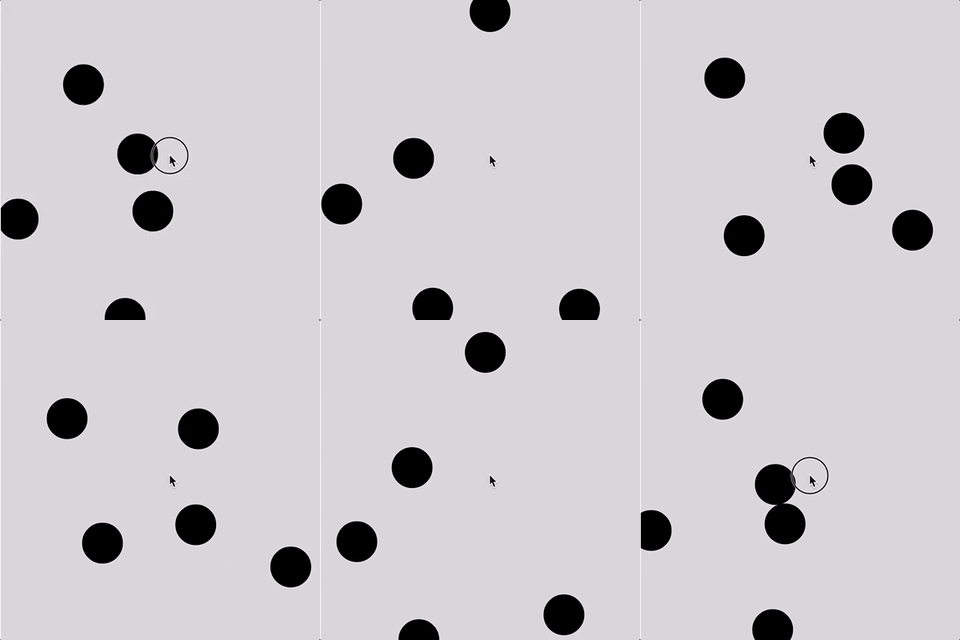
- Write a class that creates a button object that changes the background when clicked on.
answer
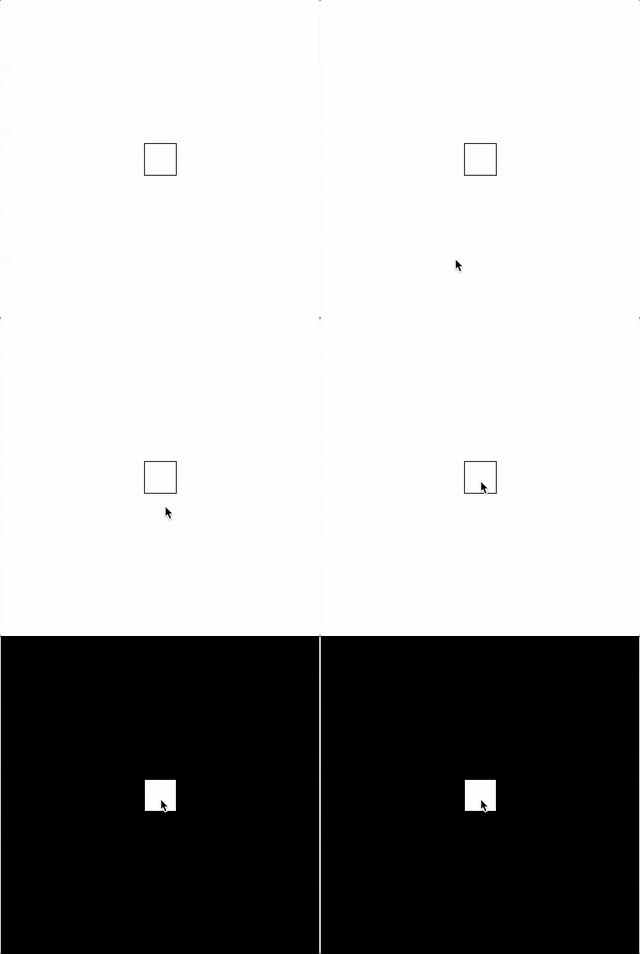
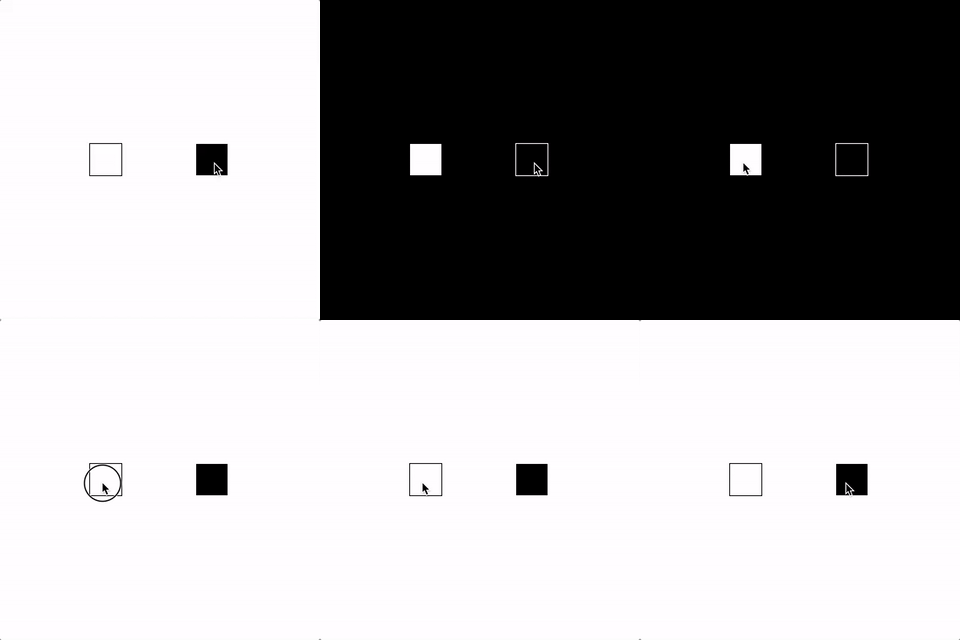
- Using the button class, make two button objects that each change the background to a different color.
answer
March 26
March 21
March 14
Create the following sketches.
- Write a function that draws a target design to the screen wherever the mouseclicks.
Examples
target functionflower function
animal function (passing in text)
mab libs - Vanilla JS
mab libs - jQuery
March 12
Examples from class
coin flipdi roll
eyes() function
bouncing ball with functions
spark design with parameters
March 7
February 28
Recreate the following sketches.
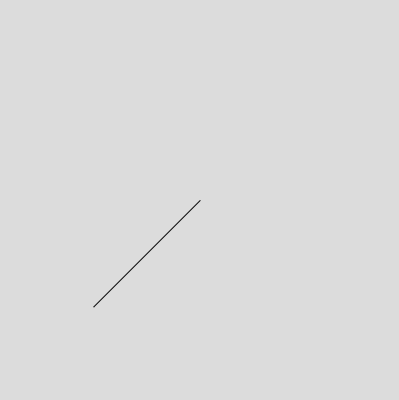
- Use translate() and rotate() to make this diagonal line.
answer
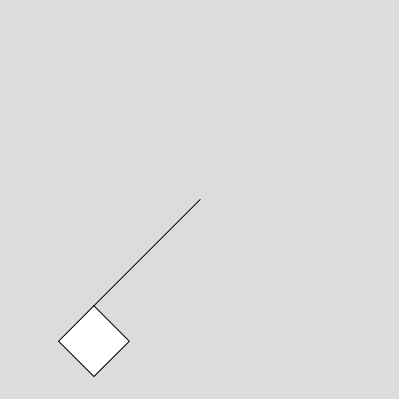
- Now add a square to the end of the line.
answer
- Write a sketch where the background color cycles through all the hues in one minute.
answer
Others
millis() timerFebruary 21
February 21
February 19
February 12
Recreate the following sketch.
- Make a button that changes the background color. Use a variable to keep track of the two different states.
answer
Others
draw with textsymmetry
equalizer
image stamp
Video
Drawing Program Walk-ThroughFebruary 7
Recreate the following sketches:
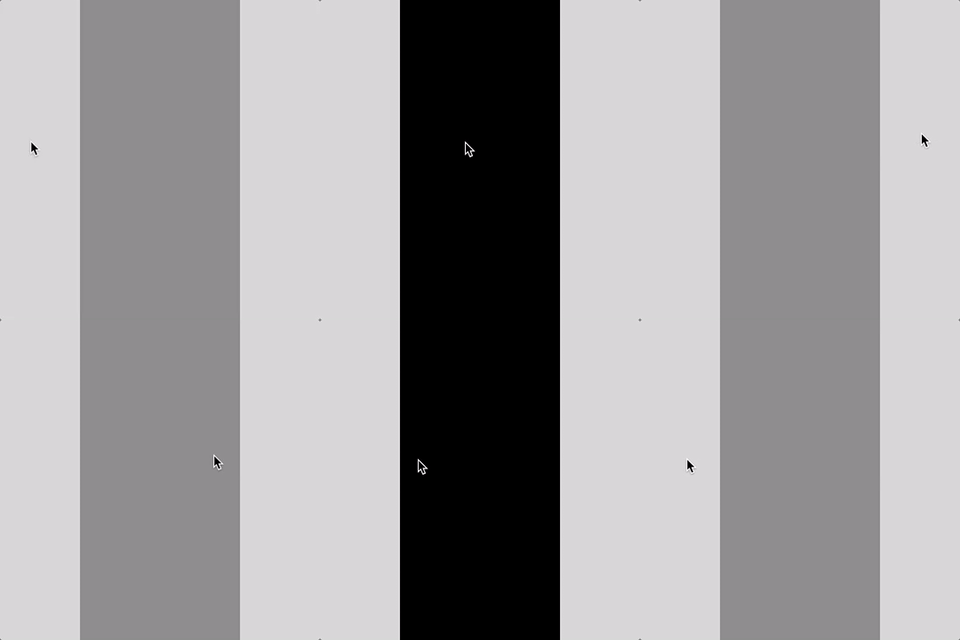
- Make half of the canvas change color when you hover over it.
answer
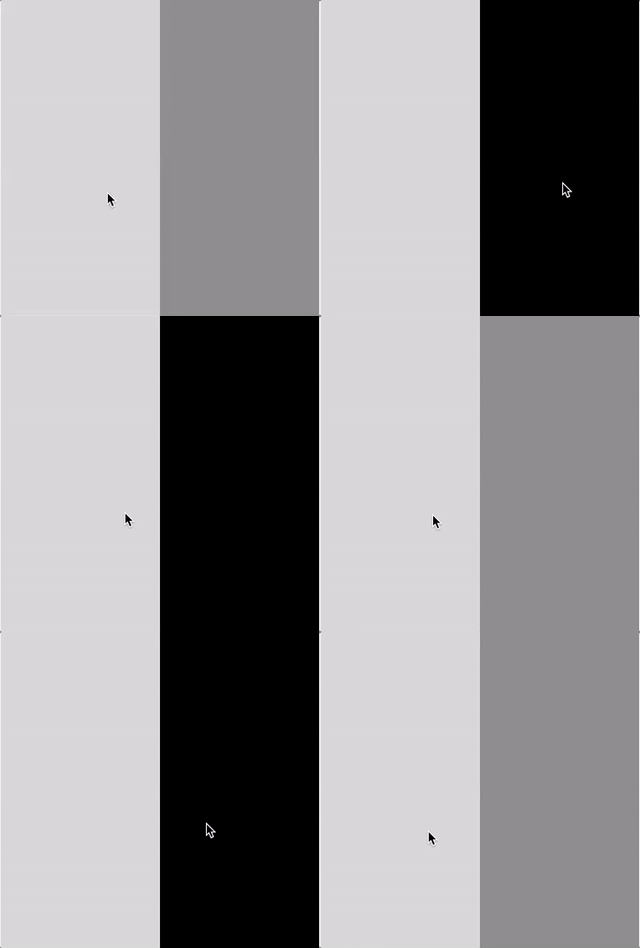
- Make a center bar change color on hover.
answer
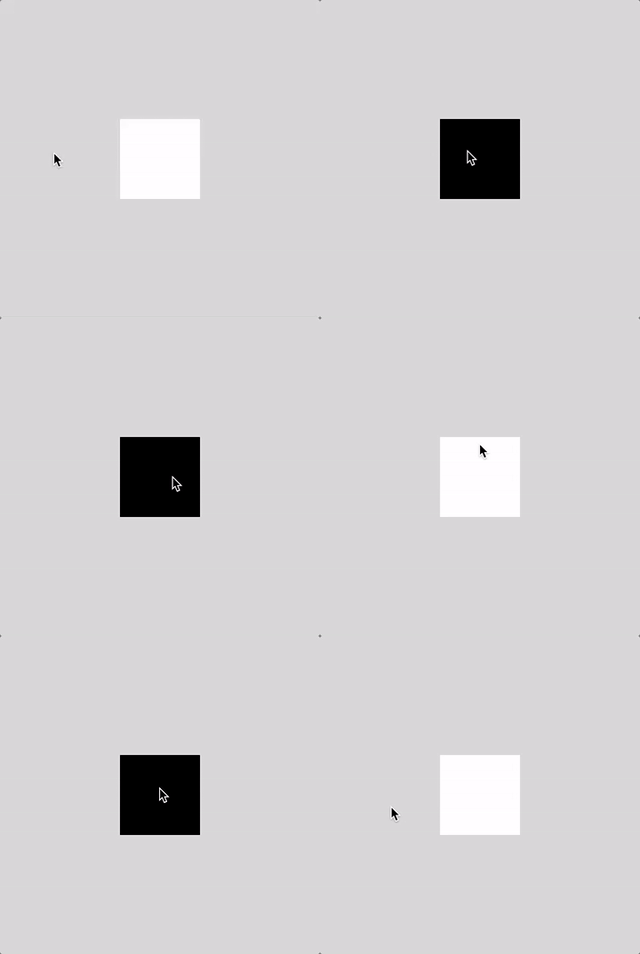
- Make a square change color on hover.
answer
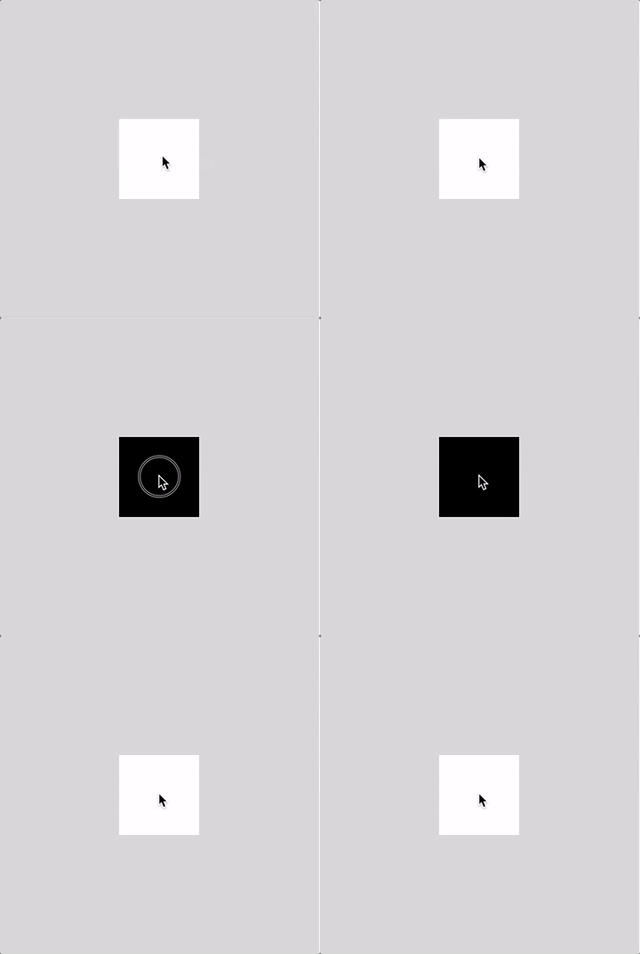
- Make a square chage color when you click on it, and then change back with another click.
answer
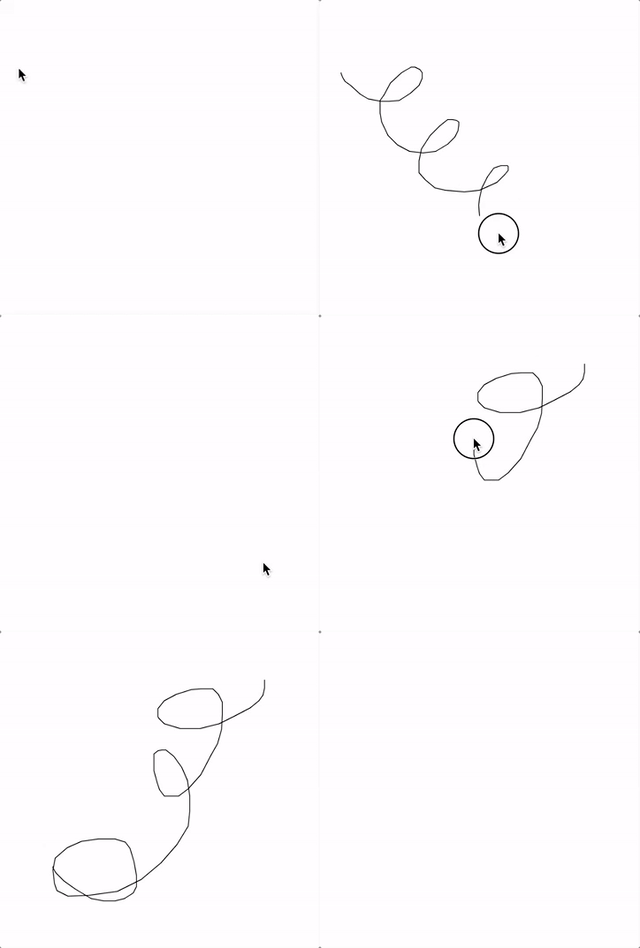
- Write a program that lets you draw when you click and drag the mouse. Then have it clear the screen when you press any key.
answer
Others
clickable button with colordraw with type (press a key then drag)
January 31
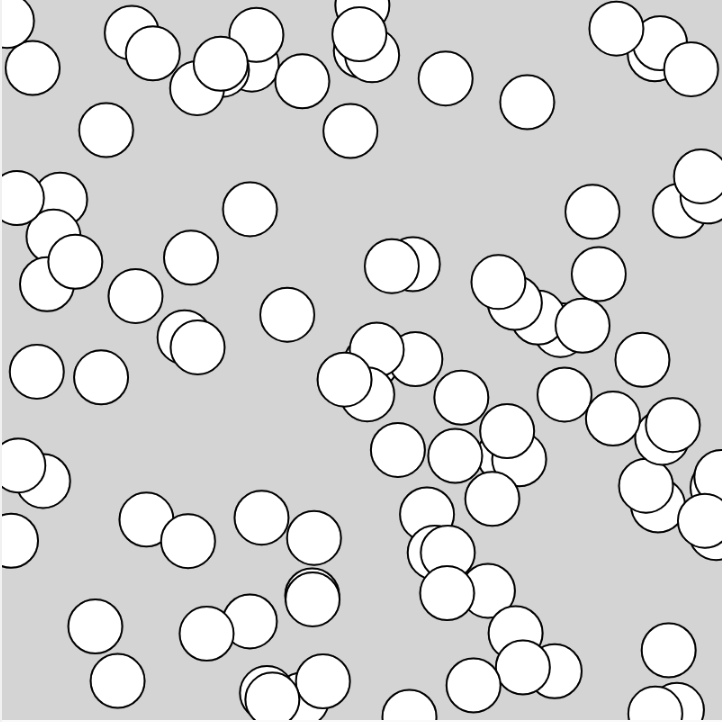
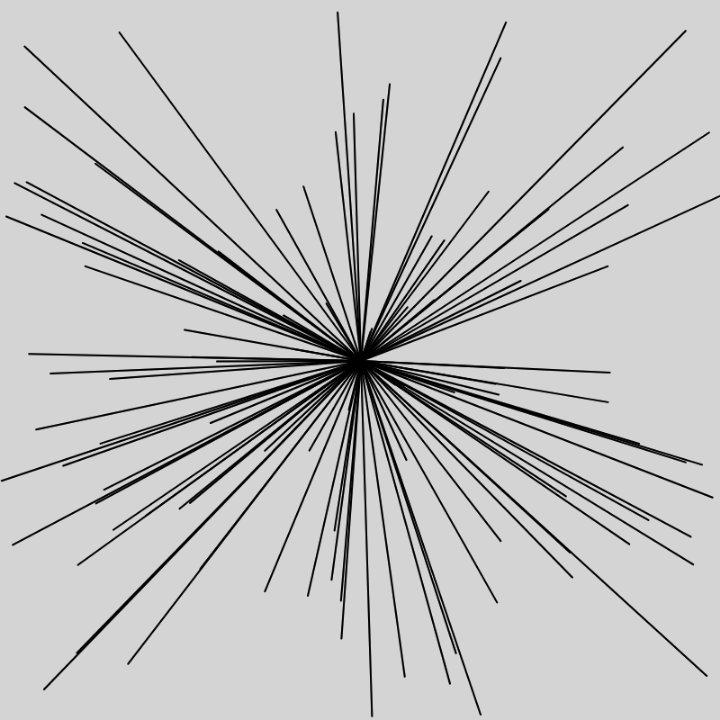
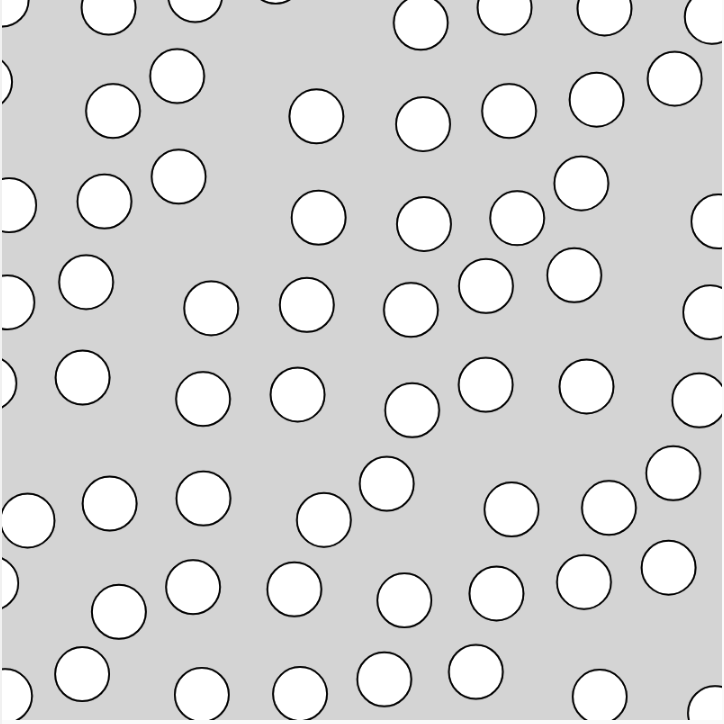
Recreate the following sketches:
January 29
Recreate the following sketches:
- Warm up with a single for loop. answer
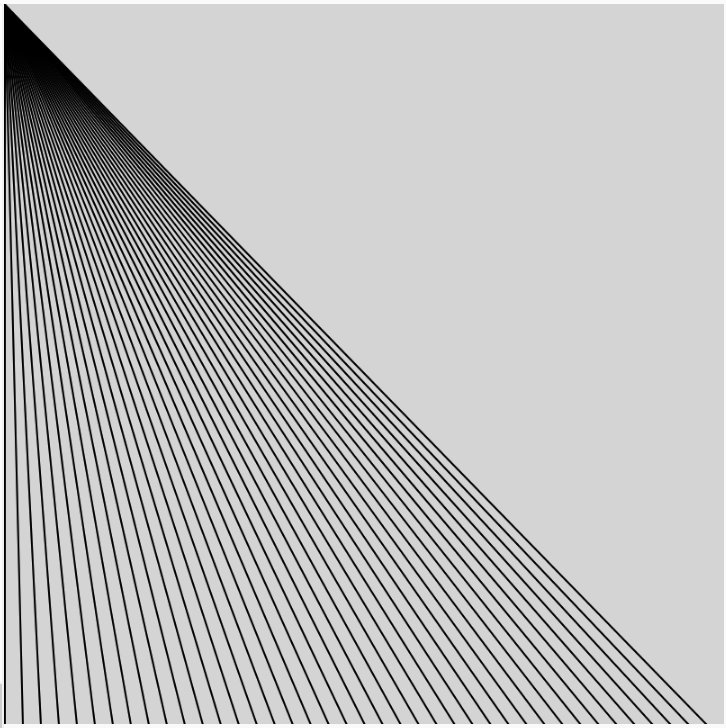
- Create nested loops to draw a grid of circles that starts away from the edge of the canvas.
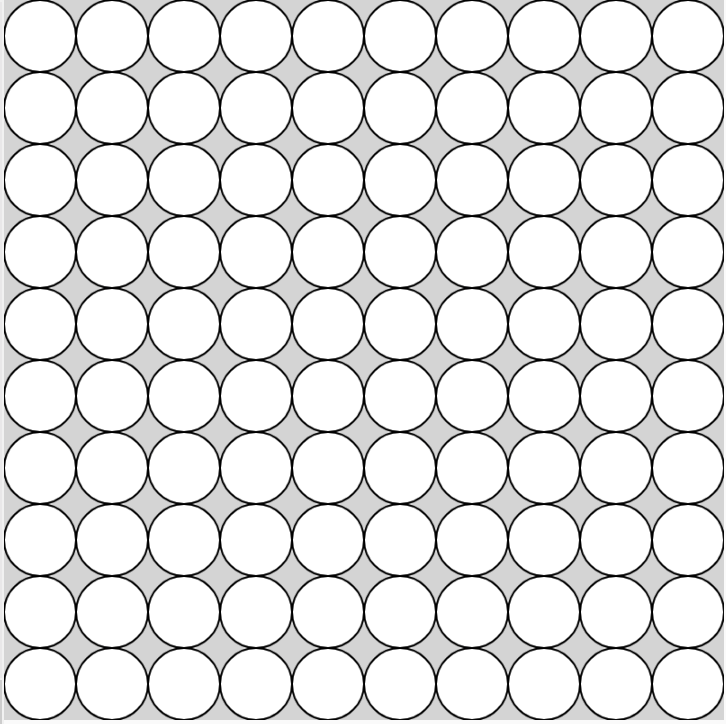
- Now draw two circles at each position. answer
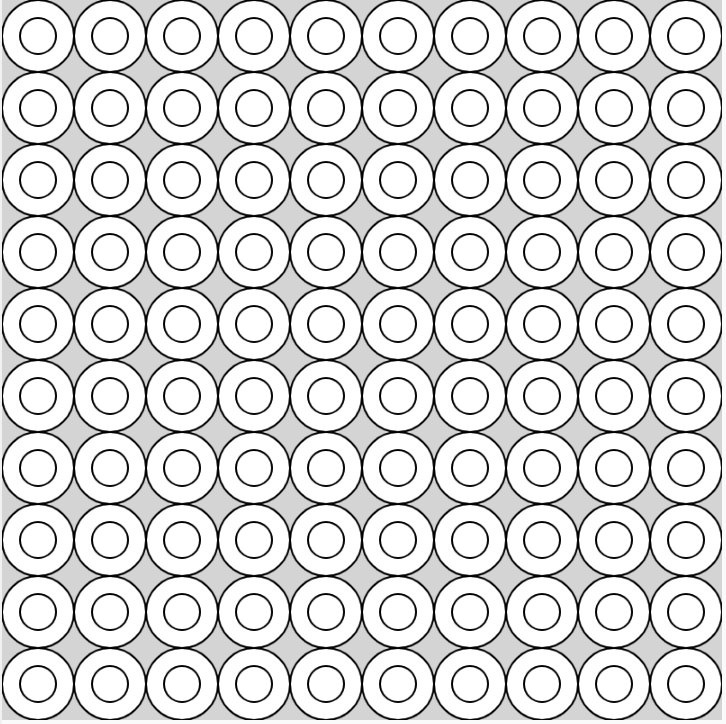
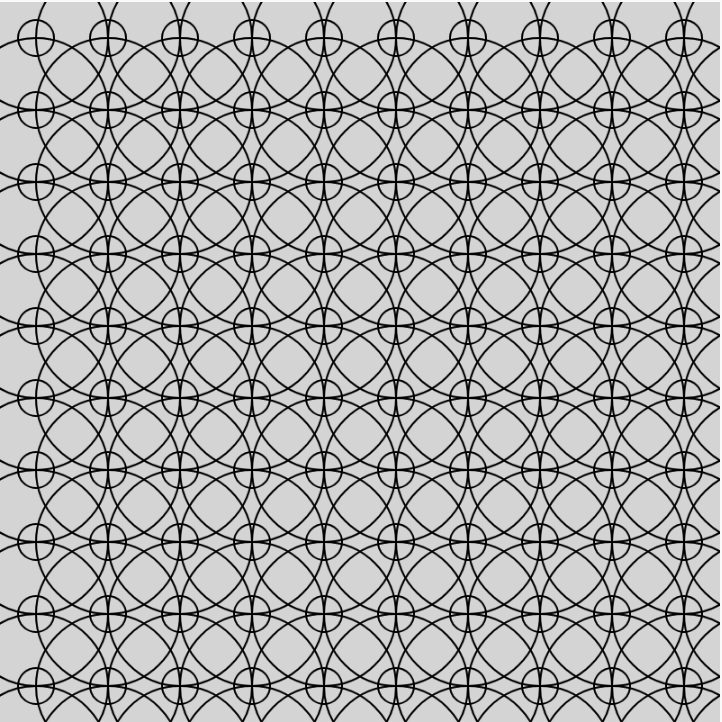
- Set it to noFill() and expand the circles to create a pattern similar to this. answer
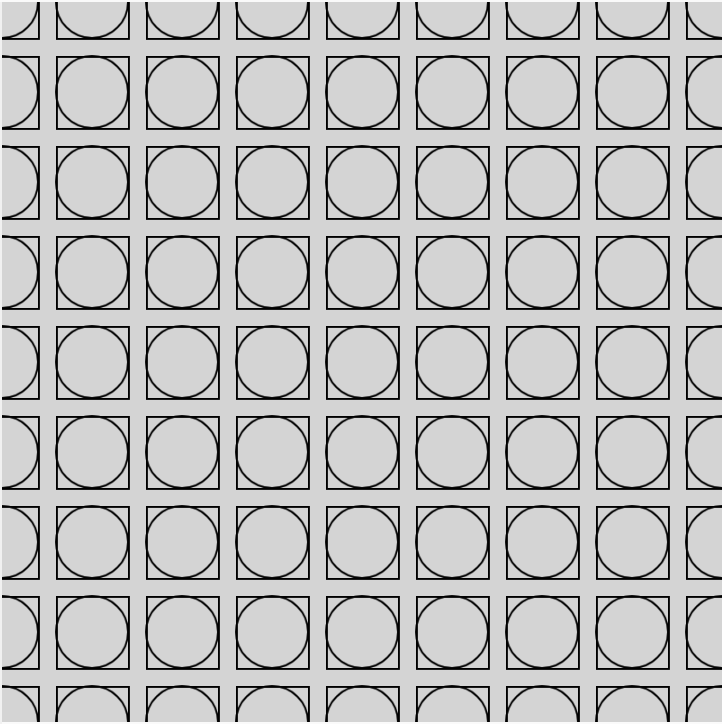
- Draw a grid of circles inside of squares. (tip: look up rectMode() in the p5 reference) answer
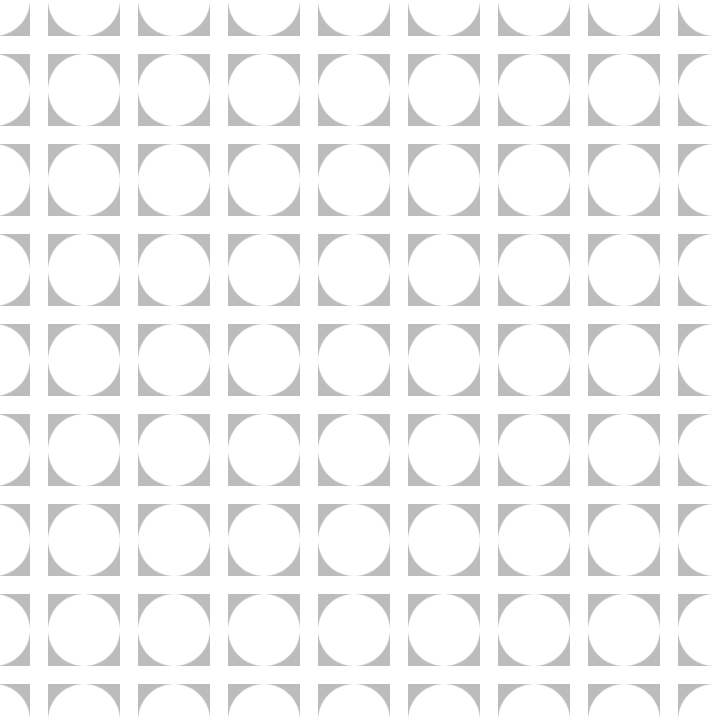
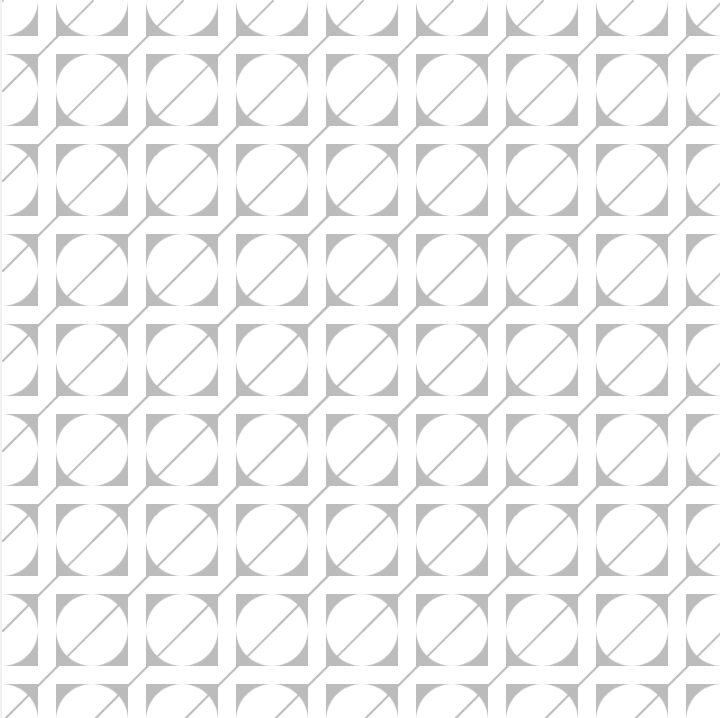
- Now try this. answer
Others
random color palette with HSBmap background to mouseX
map shape colors across the screen
mouse click screen grab
type in a loop
January 22
Create the following sketches:
- Draw a circle to the screen which all of the inputs are variables.
- Draw three more circles next to it. Have their values come from variables as well. answer
- Draw three circle to create a target symbol. Code it in a way that allows you to change the size of target (with all three circles) by changing the value of only one variable.
January 22
Recreate the following sketches: